Run the Overty Live Boot
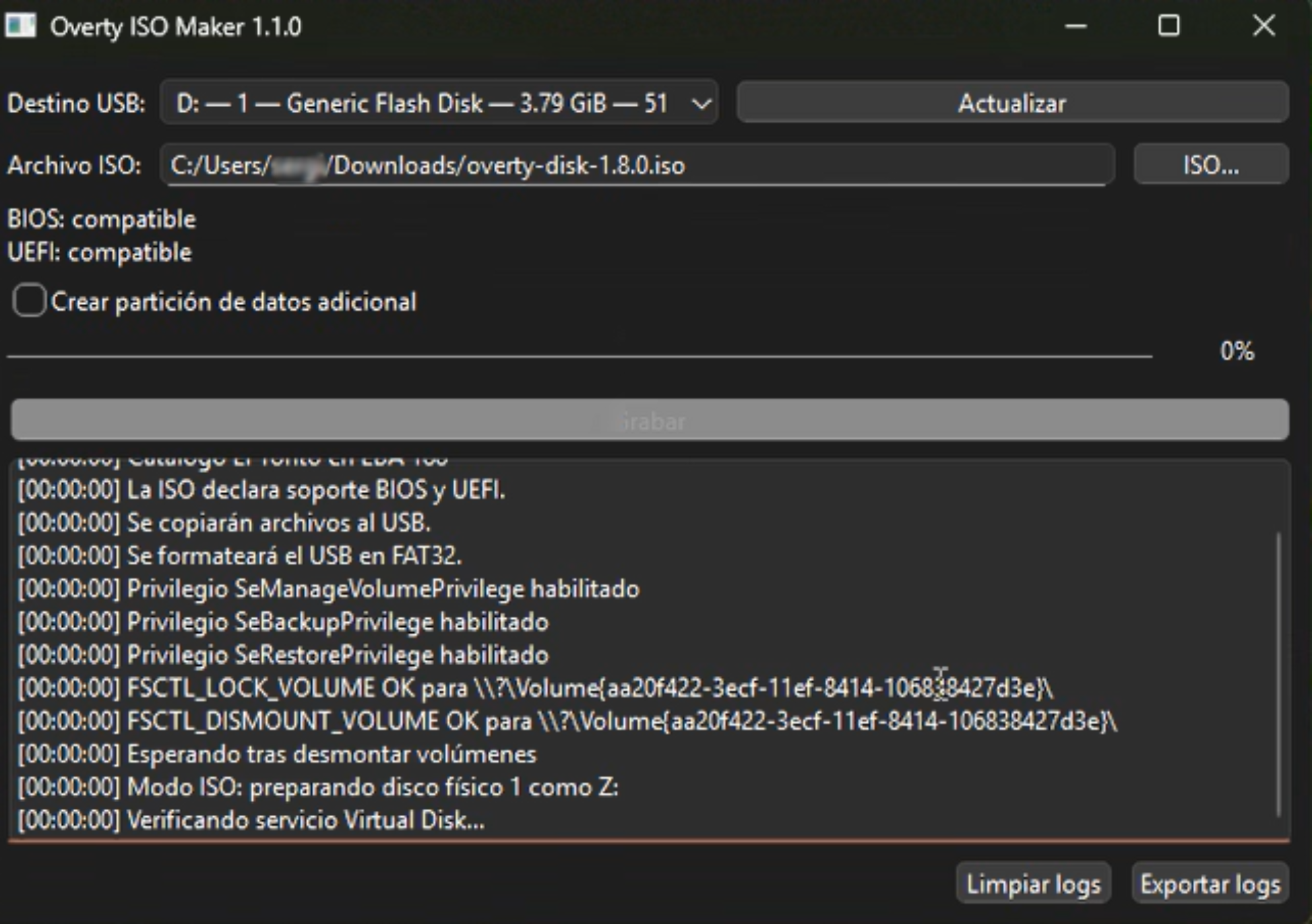
Plug in a USB drive.
Select your USB from the USB stick list.
Click “Add files” and navigate to your Overty Disk iso file.
Click “Export logs” to make your bootable USB.
Once completed click “Done”.
Ready to connect to the device to be erased!!
Was this article helpful?
That’s Great!
Thank you for your feedback
Sorry! We couldn't be helpful
Thank you for your feedback
Feedback sent
We appreciate your effort and will try to fix the article